




Make sharper videos with AI video models
Use video models to transform clips, footage, and prompts into sharper videos for social, ads, and creative workflows.

Enables free video enhancement
Unlocks free access to AI-powered video enhancement, letting you raise video quality instantly without upfront cost.

Supports one-click quality improvement
Delivers automatic video quality results in one click, without timelines, filters, or technical steps.

Uses AI for clearer video
Applies AI analysis to every frame to produce clearer visuals and higher resolution automatically.
How to enhance video quality with AI?
Upload your video
Upload your video using Browse files to select a file from your device and start the enhancement process.
Apply AI enhancement
Preview the result
Edit or download your video
higher productivity with AI-powered video tools
saved per video project
more video output without extra resources
lower costs with AI video workflows
Social media videos
Prepare social clips that look sharp, clear, and ready to post, even when shot quickly or in low light.
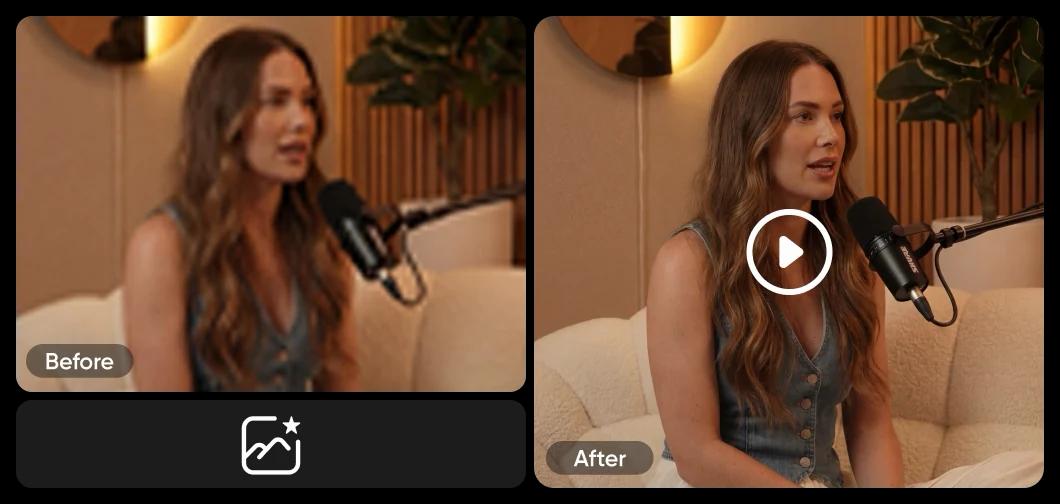
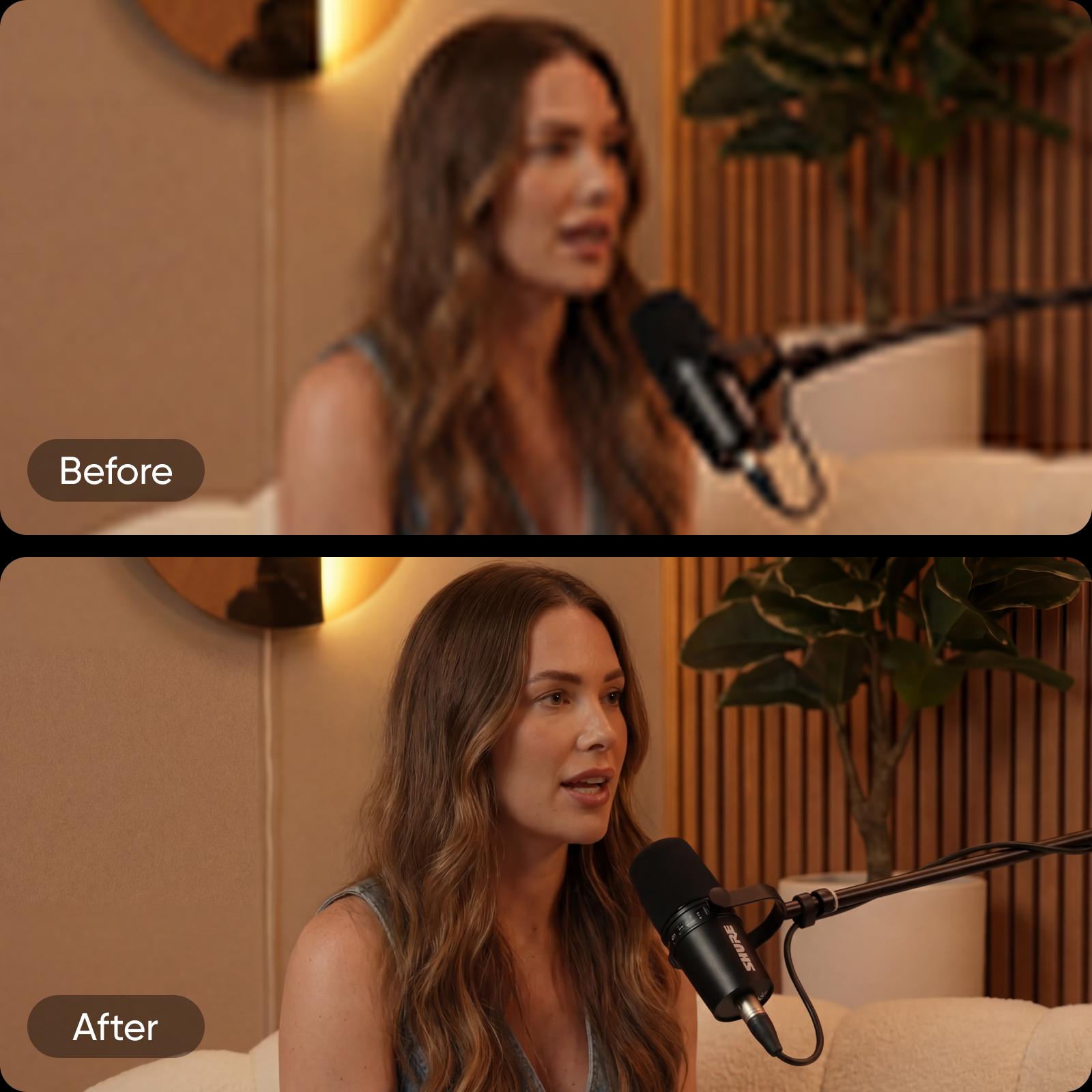
Build cleaner and higher-quality video
Everything you need to enhance video quality quickly and consistently, powered by AI and built into a seamless creative workflow.
Enhance video quality with AI
Automatically raise overall video quality.
Improve sharpness and clarity
Bring out cleaner details in every frame.
Reduce noise and visual artifacts
Smooth grain, blur, and compression issues.
Optimize videos for social platforms
Prepare videos for modern social formats.
Apply one-click video enhancement
Get results with a single action.
Skip manual editing
Work without timelines or technical adjustments.
Support short and long videos
Handle clips and full-length content equally well.
Move seamlessly inside Picsart
Continue into editing and exporting tools with ease.
Process videos with AI speed
See results in seconds, not hours.
Support creators, marketers, and businesses
Fit solo creators and growing teams alike.
Maintain natural colors and balance
Keep footage realistic and visually consistent.
Deliver consistent quality across frames
Apply uniform results from start to finish.
Video Enhancer FAQ
You can improve video quality by using an AI Video Enhancer that automatically analyzes your footage and corrects common issues like blur, noise, and low resolution. This approach helps make video quality better without manual editing, timelines, or technical skills.
AI enhances video quality by reviewing each video frame and applying automatic adjustments such as noise reduction, sharper details, balanced colors, and video upscaling. This process ensures consistent results across the entire clip, even when working with low-quality footage.
Yes. A video resolution enhancer is designed to work with low-resolution videos by improving clarity and visual balance. While it can't recreate missing details, it helps make footage cleaner, sharper, and more watchable across modern screens and platforms.
Picsart's AI Video Enhancer is free to start, allowing you to enhance video quality online without an upfront cost. You can test how the tool works on your footage before deciding whether to continue with additional creative or editing features.
You can enhance video content for social media clips, video ads, product demos, marketing videos, presentations, and longer-form projects. The tool works for both short and long videos, making it suitable for creators, marketers, and teams.
Video enhancement focuses on automatically improving visual quality, such as clarity and resolution. Video editing involves manual changes like trimming clips, adding text, or applying effects. Enhancement often comes first, followed by editing to finalize the video.
To enhance video quality online, upload your file to an AI Video Enhancer, apply automatic enhancement, and export the improved video. This process removes the need for downloads or advanced software while delivering fast, consistent results.
More tools to love
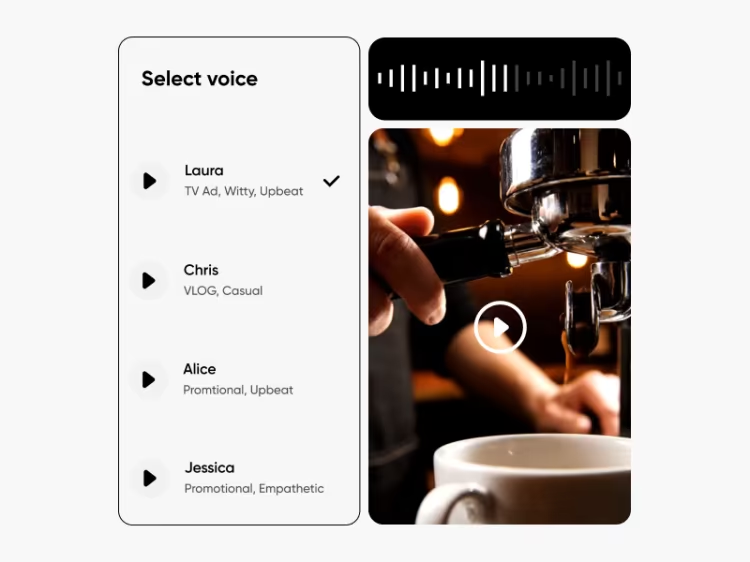

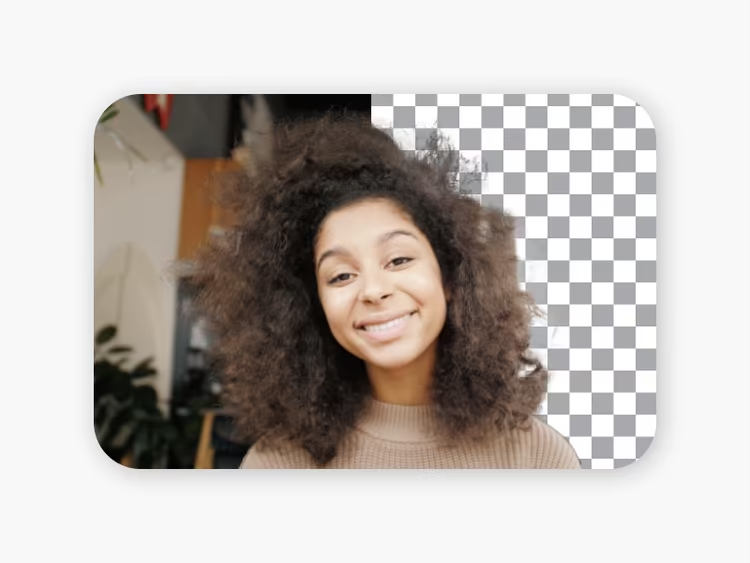


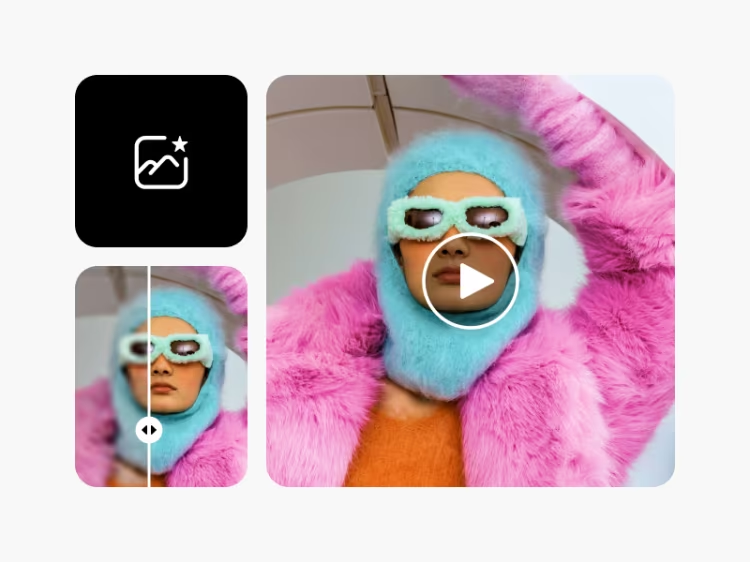
Enhance videos for sharper creator content
Pro
Most popularAI tools for everyday creative work.
Ultra
Most powerfulHeavy AI usage for creators & teams.
Enterprise
Custom AI solutions for large organizations.
- Volume discounts on credit rate
- On-demand top-ups